The editor helps you write cross-references: it completes them, shows what they point to, and warns about broken ones.
This help comes from mystmd-lsp, a language server that indexes the labels in your project.
Its features page lists everything it does and its limits, including citations and external references (xref:).
Completion
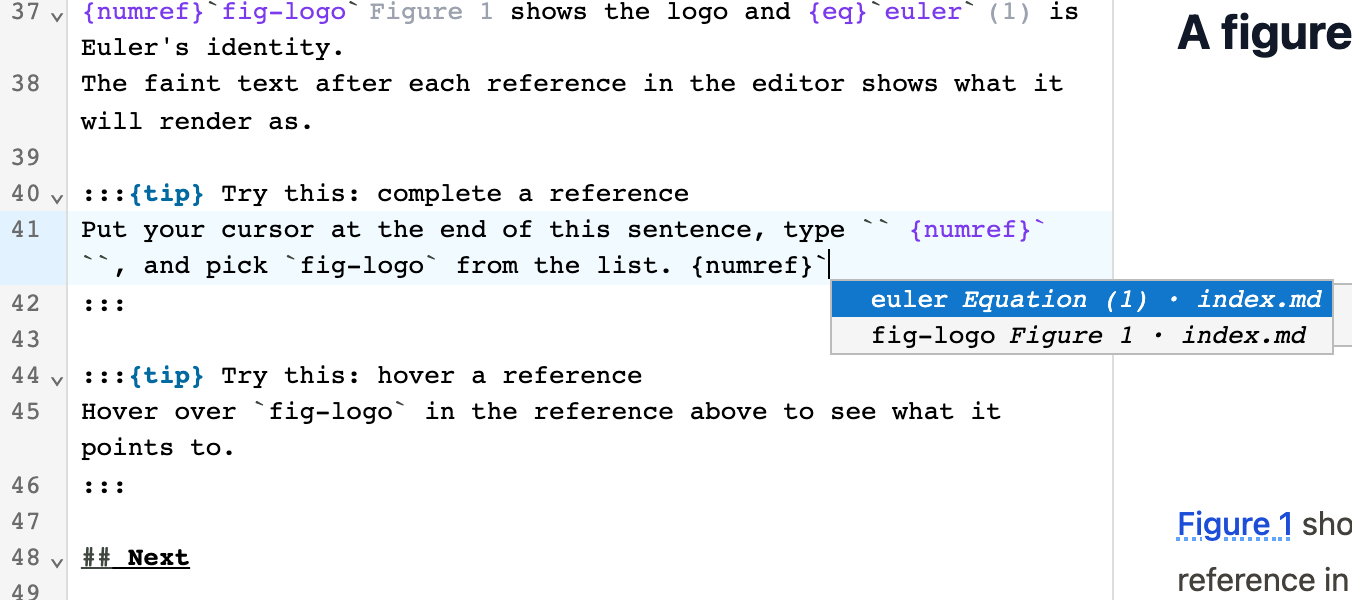
Start typing a reference, such as {ref}` or @, and a list of targets appears.
Each item shows the label, what it is (for example Figure 1), and the file it’s in.
Hints and hover
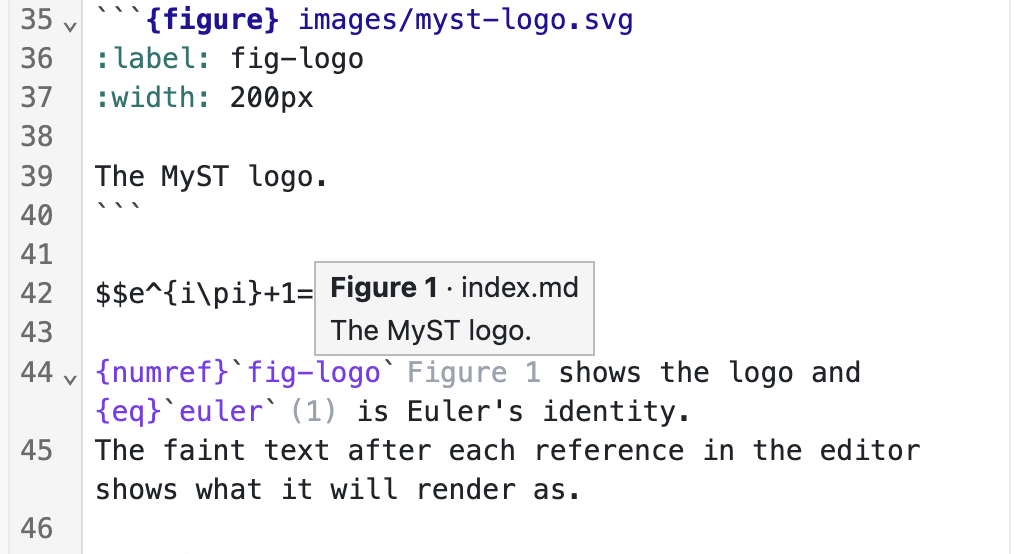
A hint is faint text after a reference that shows what it will render as, such as Figure 1 or (1).
Hover a reference to see what it points to and which file it’s in.
Go to definition, find references, and rename
Cmd-click (or Ctrl-click) a reference, or press F12, to go to its target.
Press Shift+F12 on a reference or a label’s definition to list every reference to that label.
Press F2 to rename a label and every reference to it. The server finds every reference in the project, but the web editor and JupyterLab only change files that are open. Use VS Code to rename across the project.
Warnings
A reference to a label that doesn’t exist gets a squiggle. Hover it to read the warning.
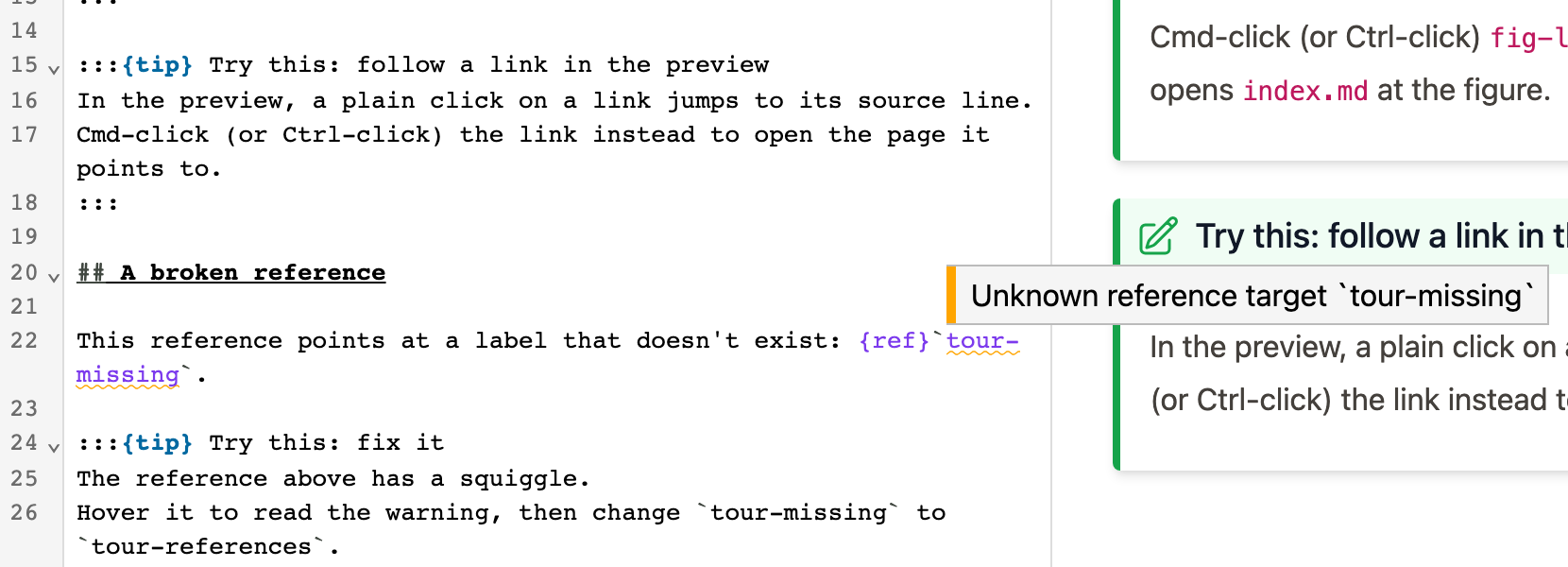
Warnings for unknown labels start once mystmd’s first build has loaded, so you don’t get them without mystmd.