

An editor for MyST projects. You write Markdown and see it rendered in place, with the block you’re editing showing its source. Cross-references are completed and checked as you type, across the whole project.
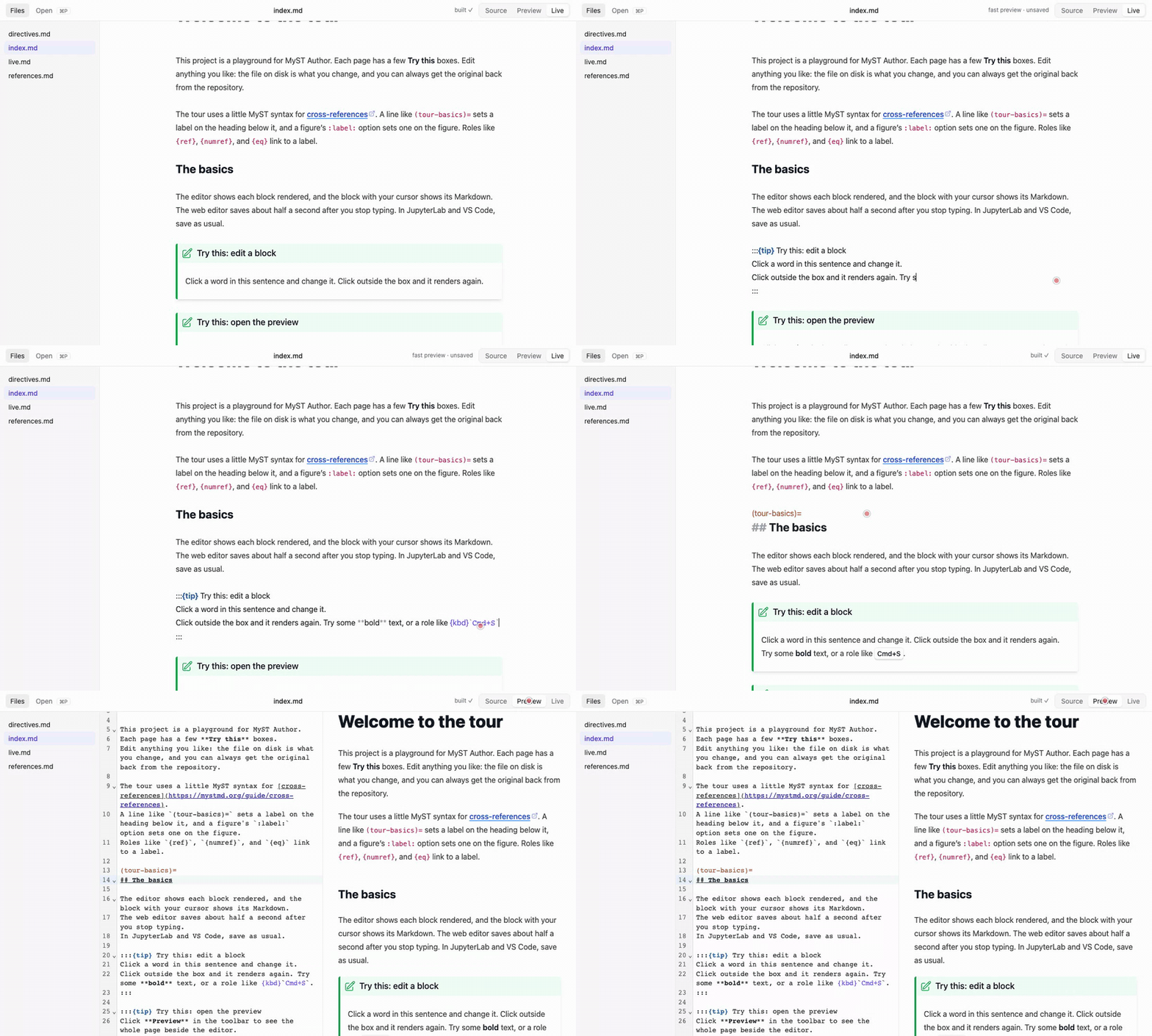
It comes in three flavours, which share most features:
A web editor, for writing a MyST project in your browser.
A VS Code extension (docs), if you already write in VS Code.
A JupyterLab extension (docs), if you write in JupyterLab or JupyterHub.
None of them are packaged yet, so you run each one from a clone of this repository, or try them on Codespaces or Binder.
Project goals
The goals of this repository are to explore how much work we’d need to enable an editor-like experience with MyST. We want to identify the building blocks that could enable this end result, and use this repository to build them out and see how complex it is.
The building blocks live in separate repositories that are each useful on their own. How the repositories fit together explains how they relate.
Where to go next
Get started: run it locally, in Codespaces, or on Binder, and point it at your own project.
Guided tour: try each feature in a small example project.
Guide: what each feature does and where its limits are.
Develop: how the packages fit together and how to work on them.